Raspberry Pi / Automation / AI / Open Source
Meet Maclock Clawd: a tiny desk companion for my coding agents
Maclock Clawd: an open-source desk companion that reacts to Claude Code, Codex and OMP hooks—thinking, waiting, and celebrating from a tiny Raspberry Pi screen.
TL;DR
- It’s open source: get the code and build your own.
- It has a cool gallery: browse all 64 animated reactions.
- There’s a video explaining it all: watch the real display in action.
- It reacts to hooks from my AI agents: Claude Code, Codex and OMP can make Maclock Clawd think, wait, react to errors and celebrate.
Meet Maclock Clawd, my tiny desk companion.
I built him around a Raspberry Pi Zero W and a 2.8-inch Waveshare DPI display, tucked inside a Maclock enclosure. He can sleep, wave hello, show some love, float in a pool, work at a computer, take a coffee break, listen to music… and occasionally run away when Big Boss calls.
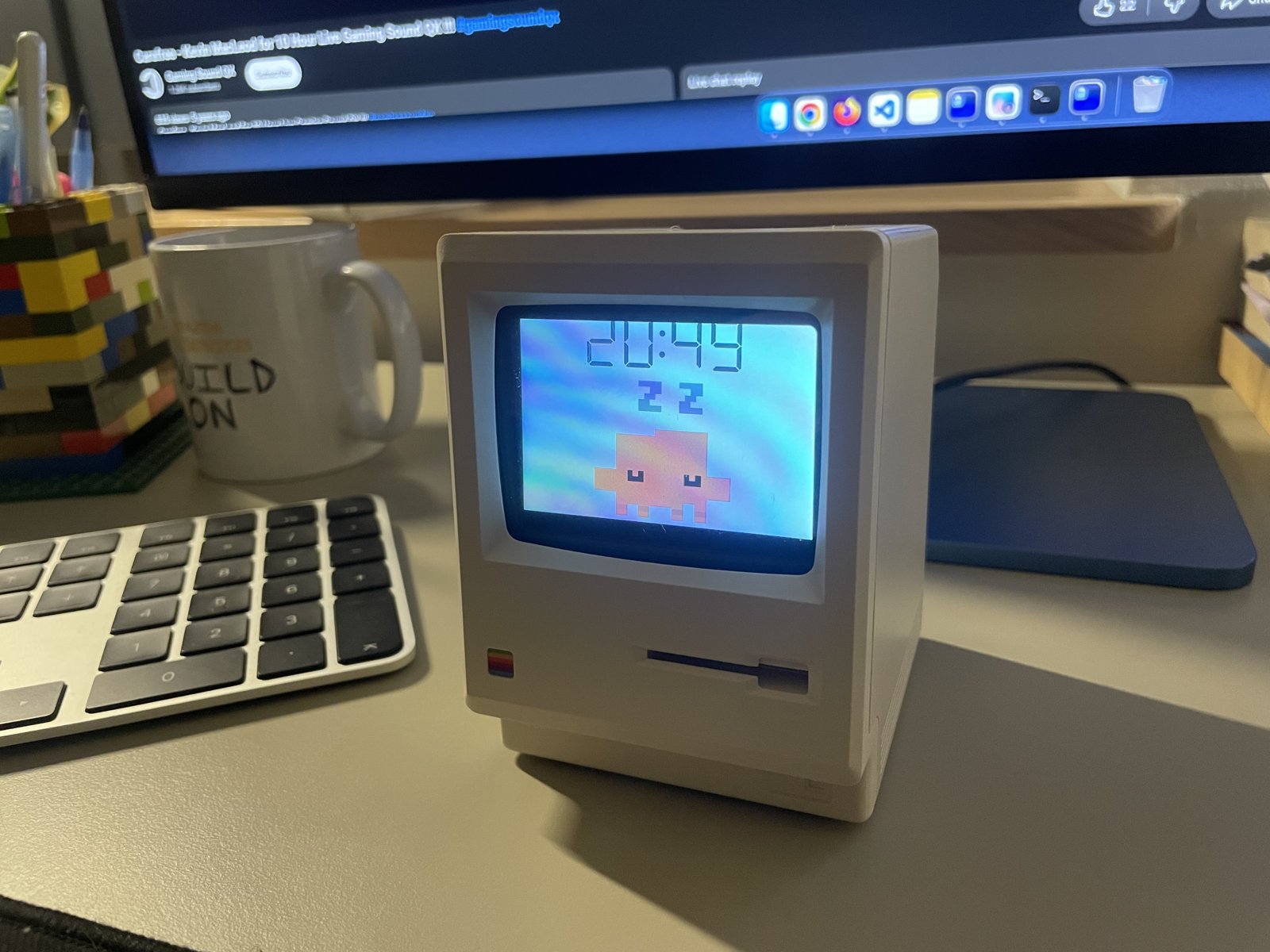
But my favourite part is not the clock or even the animations. Maclock Clawd reacts to what my coding agents are doing.
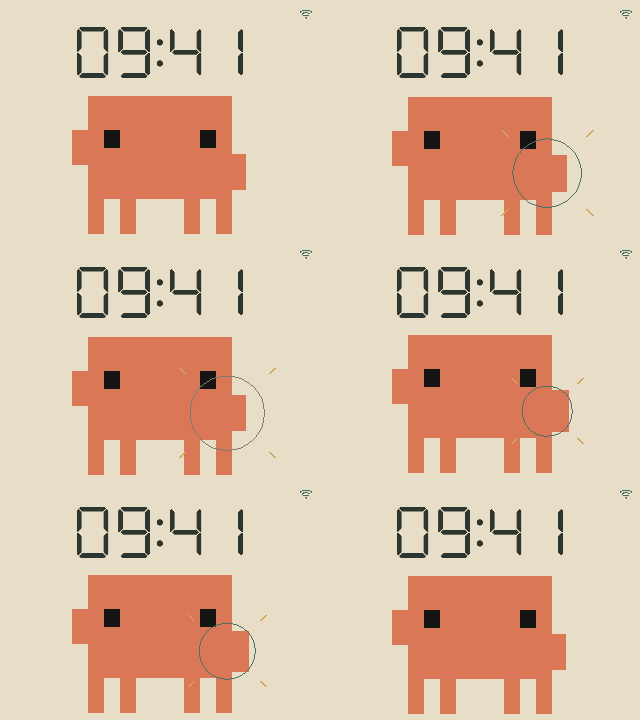
When work begins, he thinks. When an assistant needs input, he waits. When a response finishes, he can dance, wave, or take a well-earned pool break. A little activity indicator, with considerably more personality than a spinner in a terminal.
Maclock Clawd is an open-source desk-companion project. The source code, hardware details, setup instructions and assistant-hook examples are on GitHub:
github.com/lukaszciechanowicz/maclock-clawd
Coding-agent hooks, not another chatbot
Maclock Clawd connects to Claude Code, Codex and OMP (Oh My Pi) through optional hooks. The assistant runs on my computer; the Raspberry Pi receives small HTTP events and turns them into animations. There is no language model running inside the clock.
The supported signals include:
- Session starts: a wave hello.
- Work begins or a tool runs: a thinking animation.
- Permission or input needed: a waiting pose.
- An error is reported: a knock reaction, where the assistant’s hooks expose that signal.
- A response finishes: a celebration, with dancing, waving or poolside chilling to choose from.
- Session ends: back to idle.
The integrations are separate and opt-in, and their coverage differs. For example, the Codex configuration does not have a dedicated tool-failure event; a post-tool callback alone cannot distinguish success from failure. The hook guide explains the mappings and setup for each assistant.
These are activity notifications, not live LLM reasoning. Maclock Clawd does not read the model’s thoughts. The thinking pose is a timed animation refreshed by supported activity events. A completion dance means the response or work loop stopped—not that the code is correct or the tests passed.
That is enough to make him useful: a glance away from the terminal tells me whether the assistant has started work, needs attention, or has finished its response. And if I would rather celebrate with a wave than a dance, that is configurable too.
A few reactions from the gallery
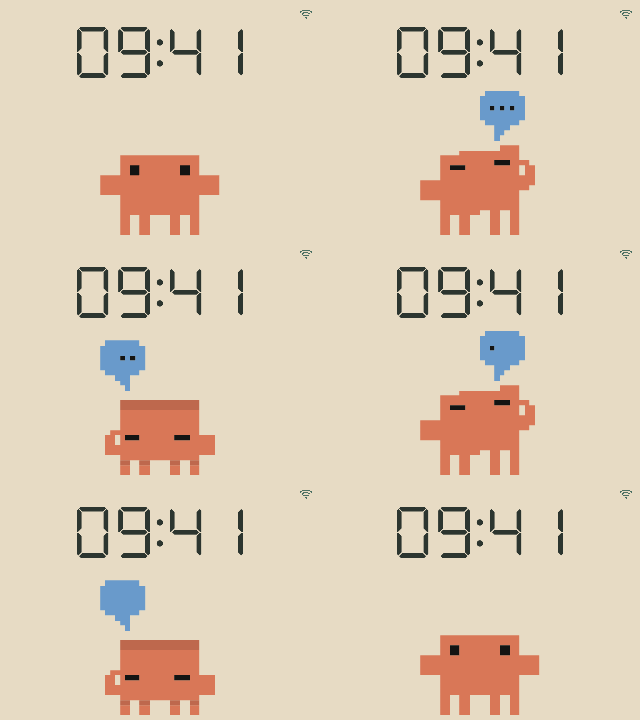
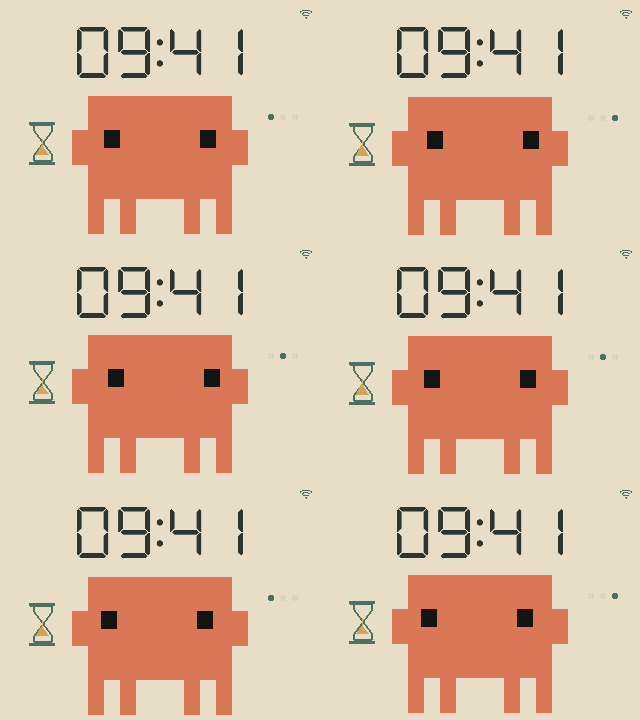
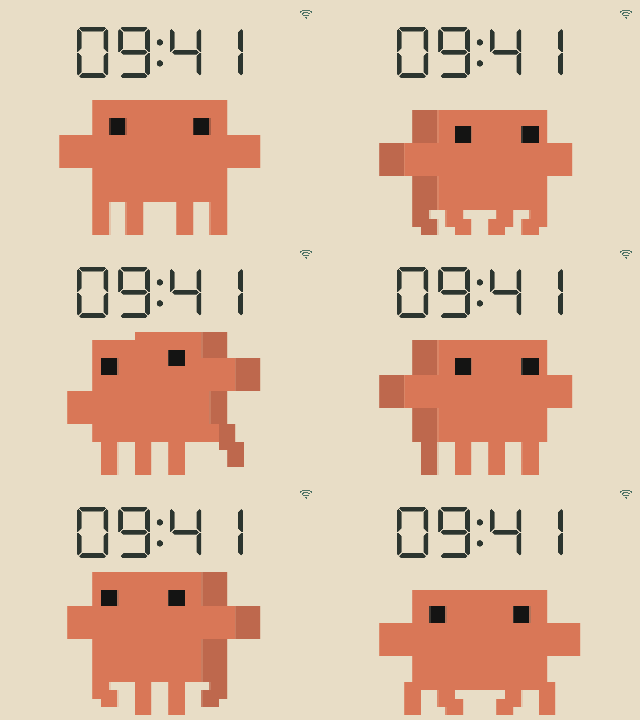
Here are a few hook reactions and other favourites, including the ShipStation flag, headphones and typing at a computer. Browse the full gallery of all 64 reactions for the rest.
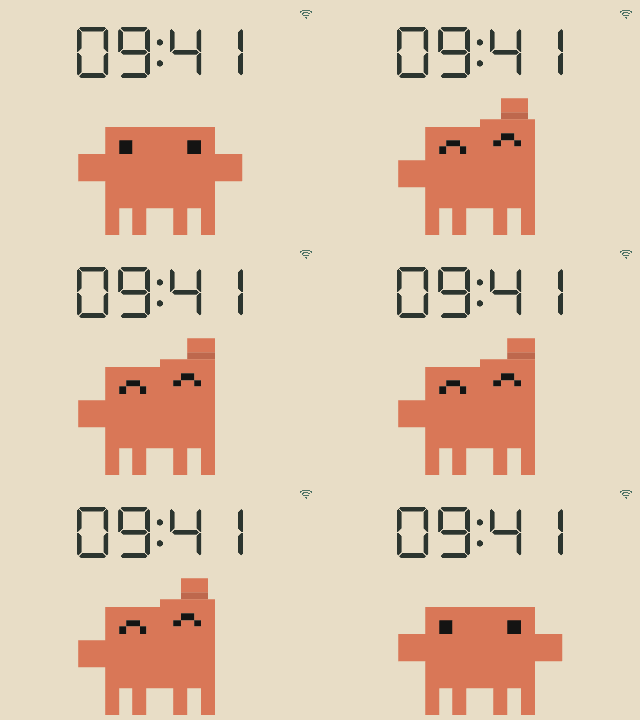
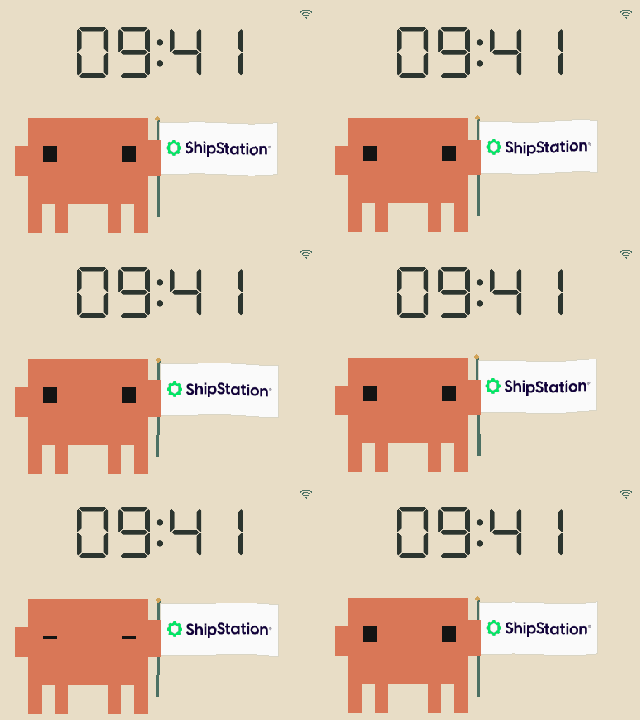
flag_shipstation.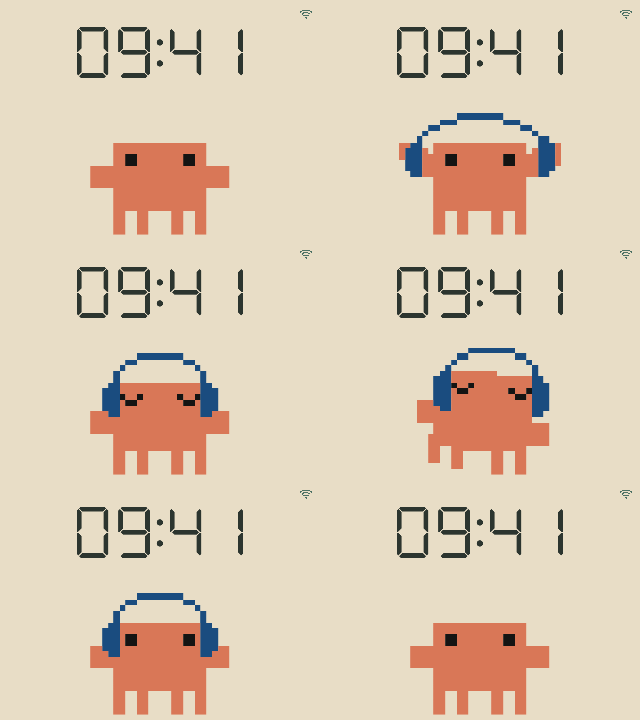
headphones.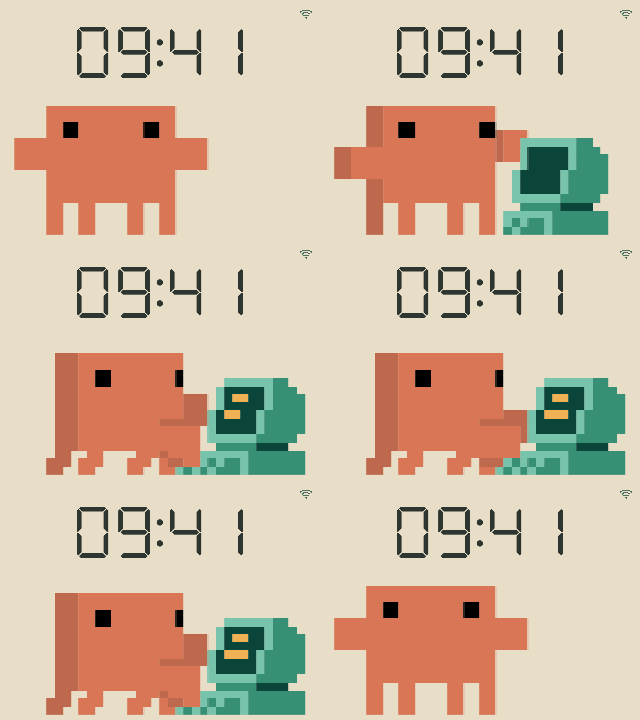
desktop.The Clawd character and the source website artwork are © Anthropic. The ShipStation logo belongs to its owner; its appearance does not imply sponsorship or endorsement. These animated examples come from Maclock Clawd’s gallery; see the artwork and attribution notes for source credits and rights information.
Tiny events, not my conversations
The recommended command-hook adapter sends only an event name, such as:
{"event":"thinking"}
It does not forward prompts, tool arguments, paths, transcripts or model output to the clock. It has a short deadline and fails silently if the device is unavailable, so a disconnected desk companion does not hold up the actual work.
This is deliberately simple: the last accepted event wins. Multiple assistant sessions can replace each other’s reactions. Maclock Clawd is one little screen, not a multi-agent control centre.
The HTTP API uses bearer authentication. Plain HTTP still exposes traffic and credentials to the network, so it belongs on a trusted LAN or behind an encrypted connection such as an SSH tunnel—not directly on the Internet.
Make him react with a few lines of code
These examples assume the display server is already running. Use the loopback URL below for a local preview, or change it to your Pi’s address on your trusted LAN. For the Pi, load and export your existing PIPCLOCK_TOKEN privately first; do not paste it into a script or commit it. A token-free local preview does not need that variable.
export PIPCLOCK_URL='http://127.0.0.1:8765'

clawd_event() {
  curl -q --silent --show-error --fail-with-body \
    "$PIPCLOCK_URL/api/event" \
    -H "Authorization: Bearer ${PIPCLOCK_TOKEN:-}" \
    -H 'Content-Type: application/json' \
    --data "{\"event\":\"$1\",\"duration\":20}"
}
Then run one command at a time. Each event immediately replaces the previous reaction; these commands do not queue a tour.
clawd_event flag_shipstation  # Wave the ShipStation flag.
clawd_event headphones       # Listen to music.
clawd_event desktop          # Type at a computer.
clawd_event thinking         # Show the activity pose used by work hooks.
clawd_event dance            # Celebrate, like the default completion hook.
clawd_event windows_bsod     # Pretend blue screen; the Pi keeps running.
clawd_event windows_shutdown # Pretend shutdown; no actual power-off.
clawd_event idle             # Return to the configured idle playlist.
To change the animation and its caption together, use the reaction endpoint. URL encoding keeps spaces, punctuation and non-ASCII text intact:
curl -q --silent --show-error --fail-with-body --get \
  "$PIPCLOCK_URL/api/react" \
  -H "Authorization: Bearer ${PIPCLOCK_TOKEN:-}" \
  --data-urlencode 'mood=desktop' \
  --data-urlencode 'text=Build #42: typing & shipping!' \
  --data-urlencode 'duration=20' \
  --data-urlencode 'text_size=64'
A timed message is independent of the animation. This one replaces the clock with a scrolling line, without changing what Maclock Clawd is doing:
curl -q --silent --show-error --fail-with-body \
  "$PIPCLOCK_URL/api/message" \
  -H "Authorization: Bearer ${PIPCLOCK_TOKEN:-}" \
  -H 'Content-Type: application/json' \
  --data '{"text":"Build finished. Time for coffee, music and a well-earned pool break!","duration":30,"text_size":64}'
If a reaction caption is still active, it takes priority over the message until it expires. The message’s own timer keeps running in the meantime. The API cookbook covers the remaining controls. These manual requests use the same event API as the recommended hook adapter; they do not install assistant hooks.
See him in action
Watch the demo on YouTube, or play it here:
The video is a scripted tour of the real display, driven by the local HTTP API. The countdown, captions and animation changes are sent directly over the network. No SSH session is needed to control the show.
It also includes a real hook notification, alongside a montage of analysis-like poses. The montage is a presentation of animations, not a recording of live LLM reasoning.
Still a clock. Mostly.
When he is not reacting to an assistant, Maclock Clawd has 64 animated reactions to keep him busy. A configurable idle playlist rotates through scenes, and optional physical previous/next buttons let me choose the next one myself.
The screen shows a calculator-style clock when no message or caption takes its place. The API can display large captions and timed messages; long text scrolls rather than shrinking into unreadable pixels. A small Wi-Fi indicator reports the radio’s connection status.
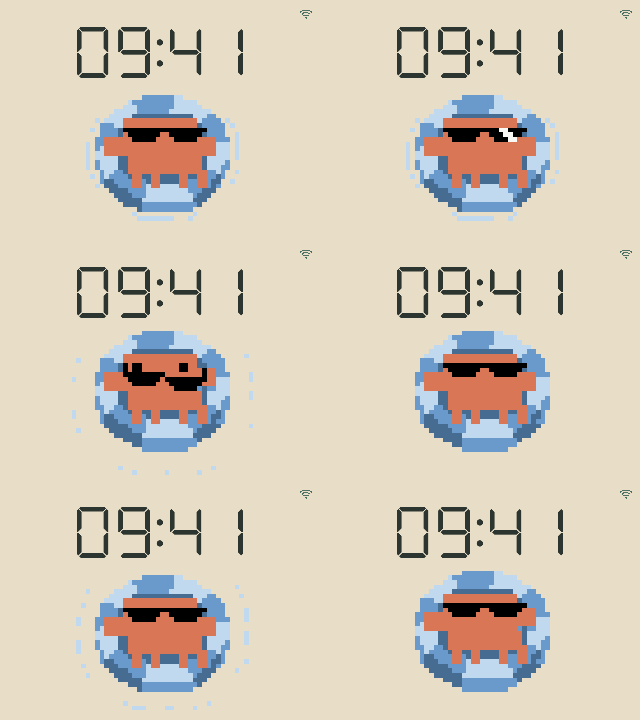
And of course, there are two Windows-inspired Easter eggs: a Blue Screen of Death and “It’s now safe to turn off your computer.” Watch the bottom of the screen: Maclock Clawd peeks up, looks around or blinks, then disappears again.
These are visual jokes only. The Raspberry Pi keeps running.
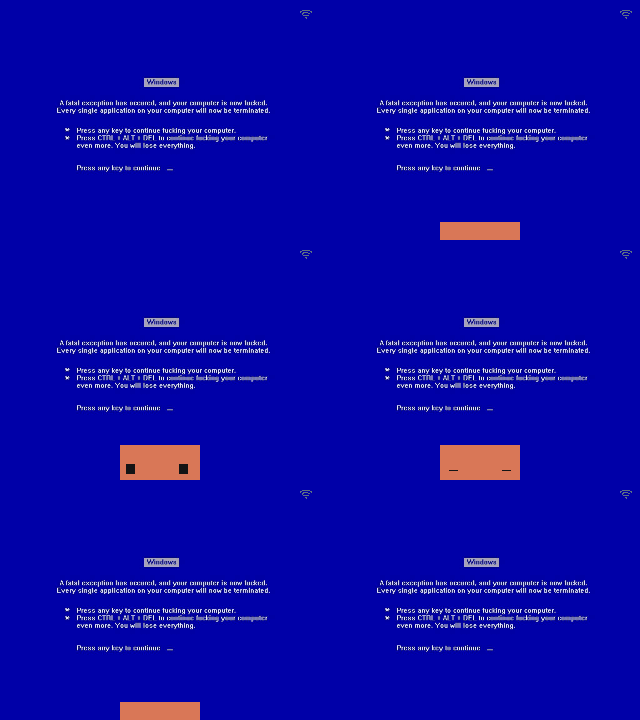
windows_bsod: a blue screen with a delayed Maclock Clawd peek. No actual crash.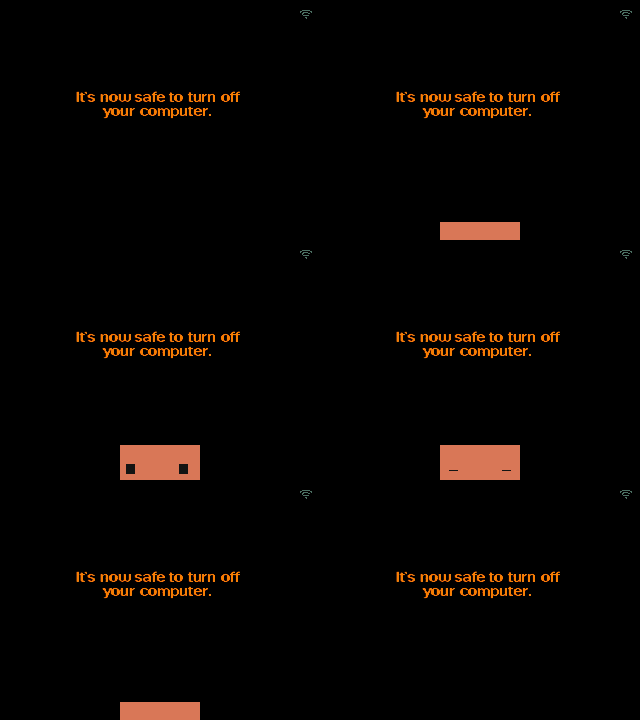
windows_shutdown: “It's now safe to turn off your computer.” The Pi stays on.These scenes use Windows-reference backgrounds supplied for the project. Microsoft and other third-party marks remain the property of their owners; this is not an endorsement or a redistribution licence.
The hardware is an original Raspberry Pi Zero W, a Waveshare 2.8-inch DPI LCD, and the Maclock enclosure. The software is Python, pygame, a bearer-authenticated HTTP API and optional assistant hooks. The Pi renders natively, without needing a browser or desktop environment.
Could I use a regular clock and watch the terminal instead? Absolutely. But the regular clock would not float in a pool when the agent stops.
Build your own—and credit the artwork
The project lives at github.com/lukaszciechanowicz/maclock-clawd. Start there for the source, hardware notes, setup instructions and hook integrations.
The Clawd character and the claude.dev website artwork belong to Anthropic. Some animations are custom creations for Maclock Clawd; others use artwork from claude.dev, which inspired the animation style and movement. Custom animations do not imply ownership of the character.
This is an unofficial, fan-made, open-source hardware project. It is not affiliated with, endorsed by or sponsored by Anthropic. Third-party artwork remains the property of its respective owners; the open-source description does not grant rights to Anthropic’s artwork or other third-party assets. See the project’s artwork and attribution notes before redistributing assets.